
Enabling AI Assistant for SPL in Splunk 10.2, Here’s how it went!
I recently set up the AI Assistant for Splunk on version 10.2 and wanted to share the full setup journey, including the parts nobody talks about (the waiting).
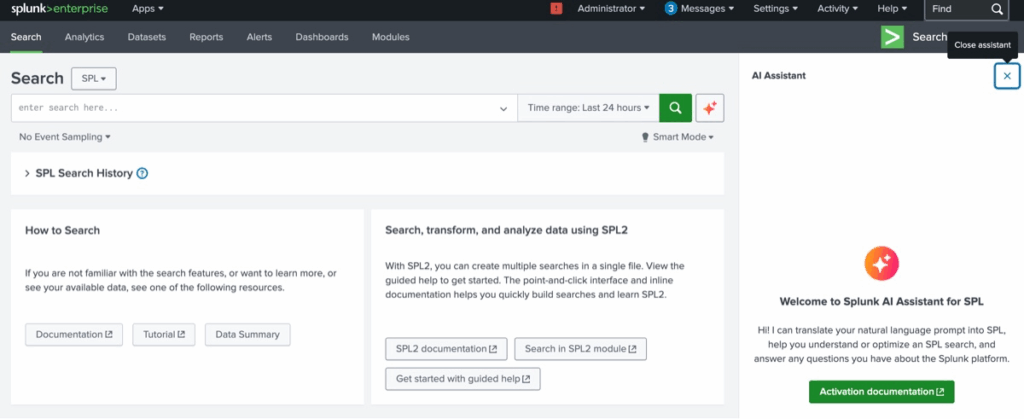
Step 1 — Install the App
Downloaded the AI Assistant app from Splunk Base and installed it on my Splunk instance.
🔗 https://splunkbase.splunk.com/app/7245
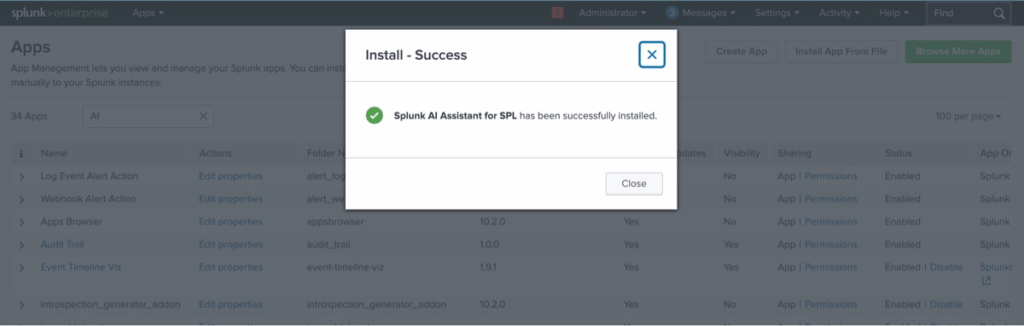
Step 2 — Initial Setup
After installation, started the initial setup wizard. First screen: FAQ review. Second screen: Tenant configuration. Copied the Tenant Code shown in the app.
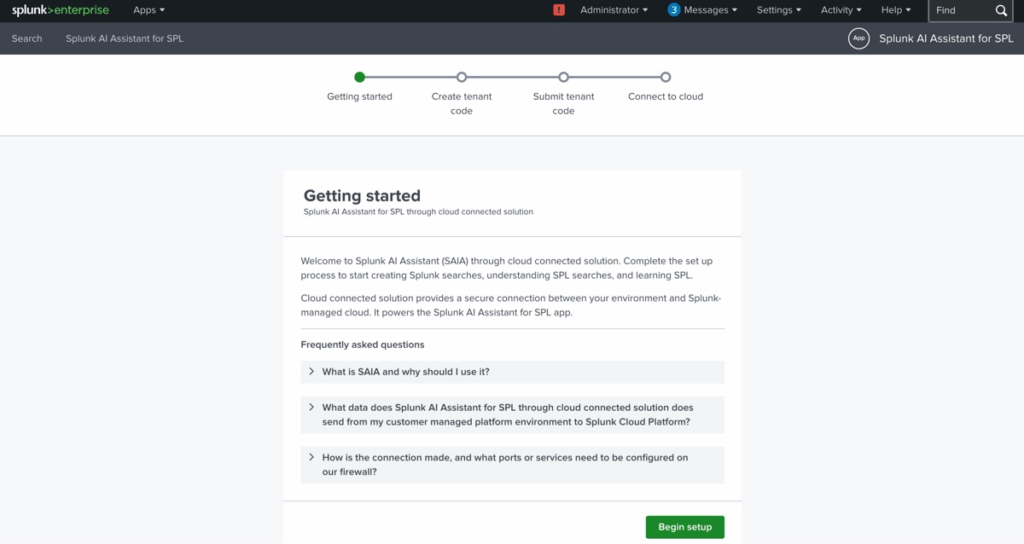
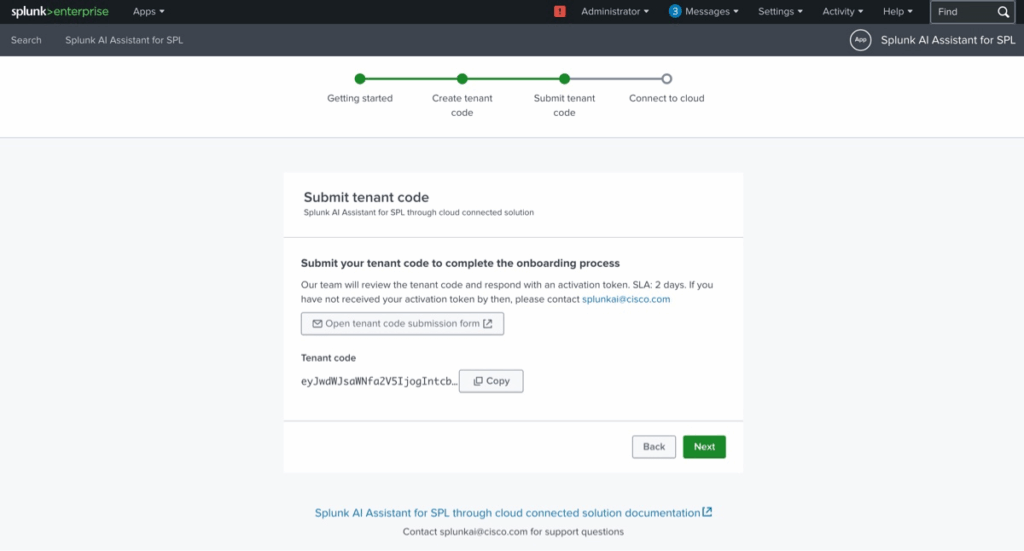
Step 3 — Submit Tenant Request
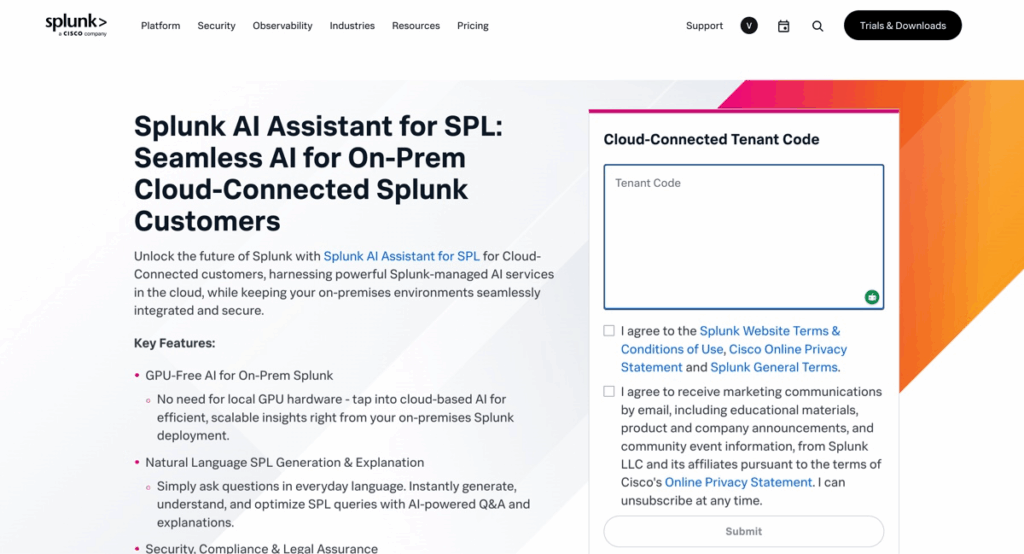
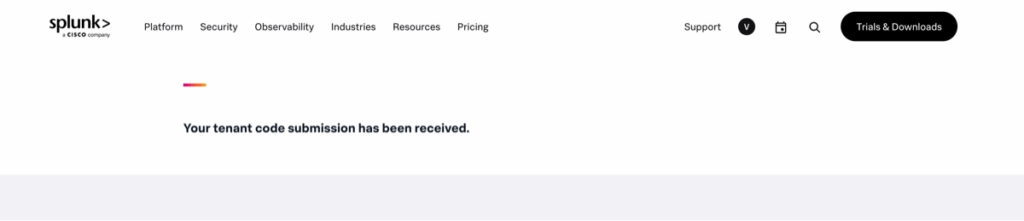
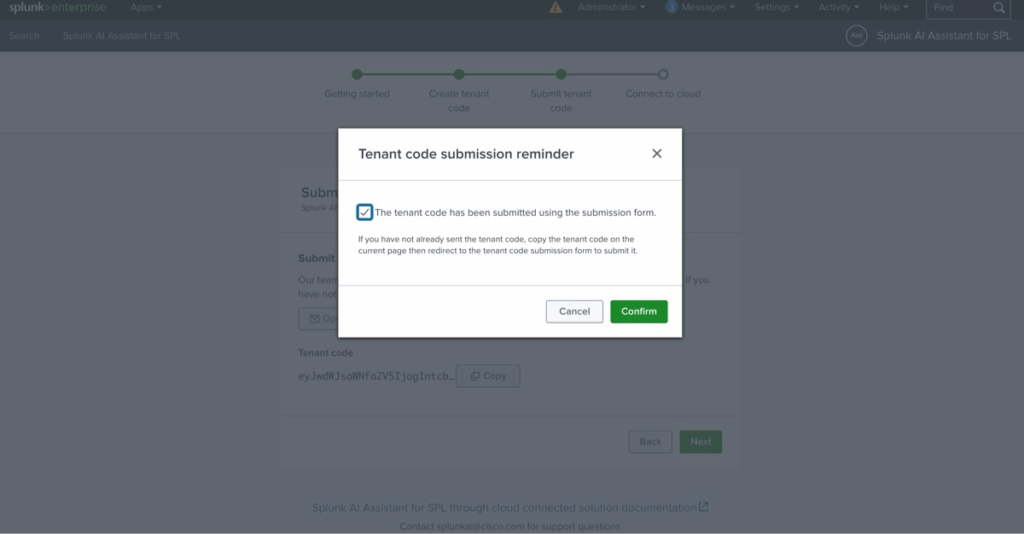
Submitted the Tenant Code through Splunk’s official request form, then confirmed the submission back inside the app.
Step 4 — Wait (2 days ⏳)
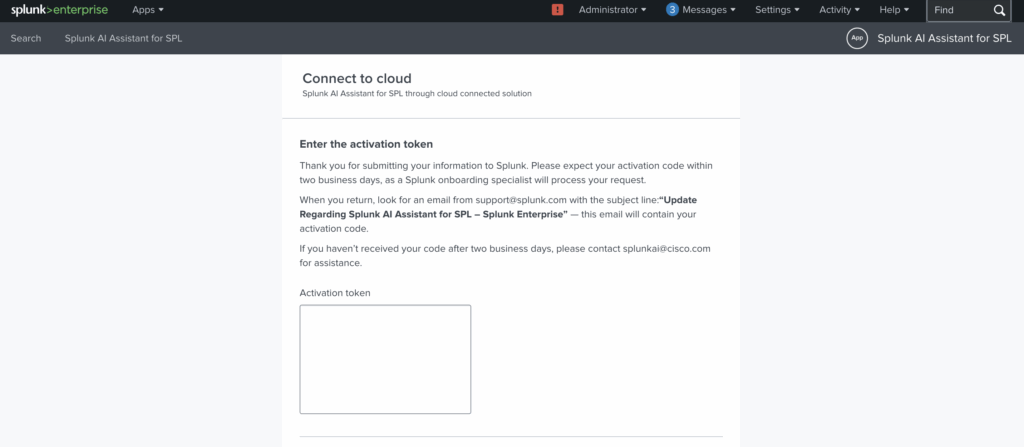
After submitting, I waited 2 days. Received an email from Splunk with my Activation Token. Applied it in the app, and just like that, access was granted!
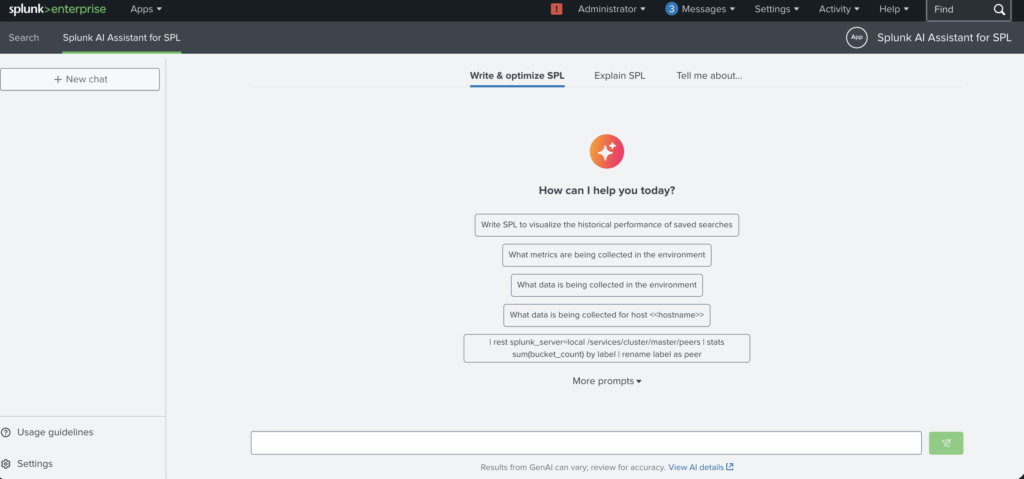
Step 5 — Testing Queries
Ran a few SPL queries through the AI Assistant to test its capabilities.
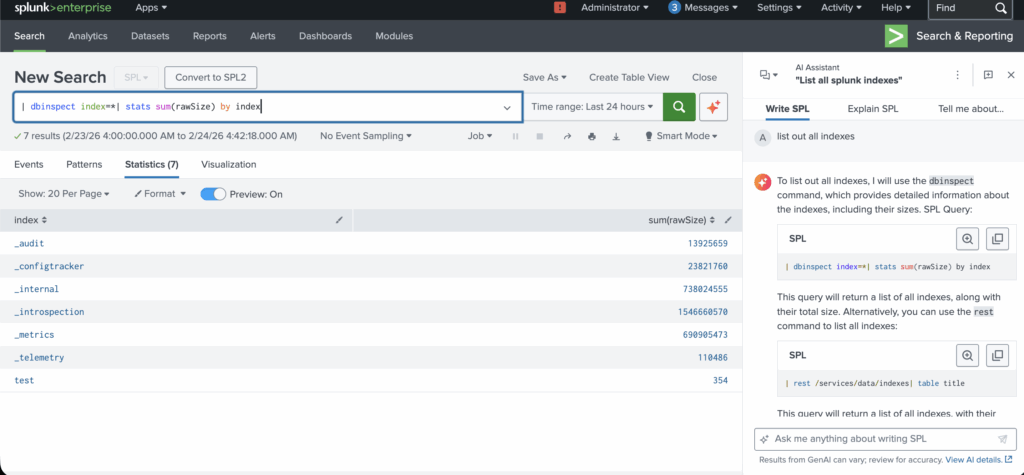
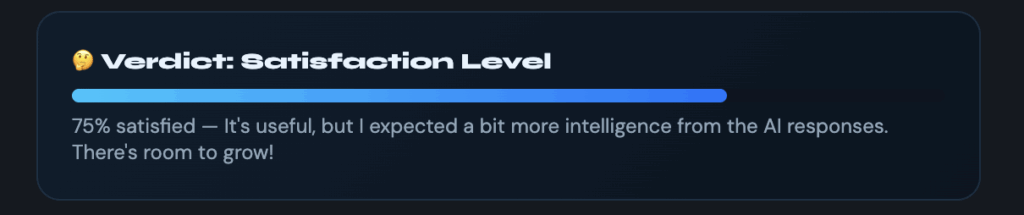
Overall, it was a smooth setup process; the 2-day wait was the only friction. If you work with Splunk, it’s worth trying out. I’m curious if others have tested this and what your experience was!
I recently set up the AI Assistant for Splunk on version 10.2 and wanted to share the full setup journey, including the parts nobody talks about (the waiting). Step 1 — Install the App Downloaded the AI Assistant app from Splunk Base and installed it on my Splunk instance.🔗 https://splunkbase.splunk.com/app/7245 Step 2 — Initial Setup After installation, started…